"Document Manager" provides Workspace Administrators the ability to reactivate the de-activated Folders within a Workspace.
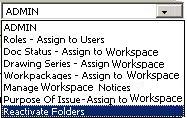
1. Click on the Admin menu at the top of the screen and select Reactivate Folders
 Deactivated folders will be displayed.
2. Select the check-box to reactivate folder
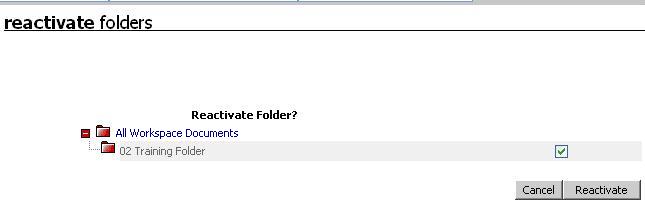
3. Click on Reactivate
Useful Links: